
How to Prepare for Your Smile Simulation Appointment
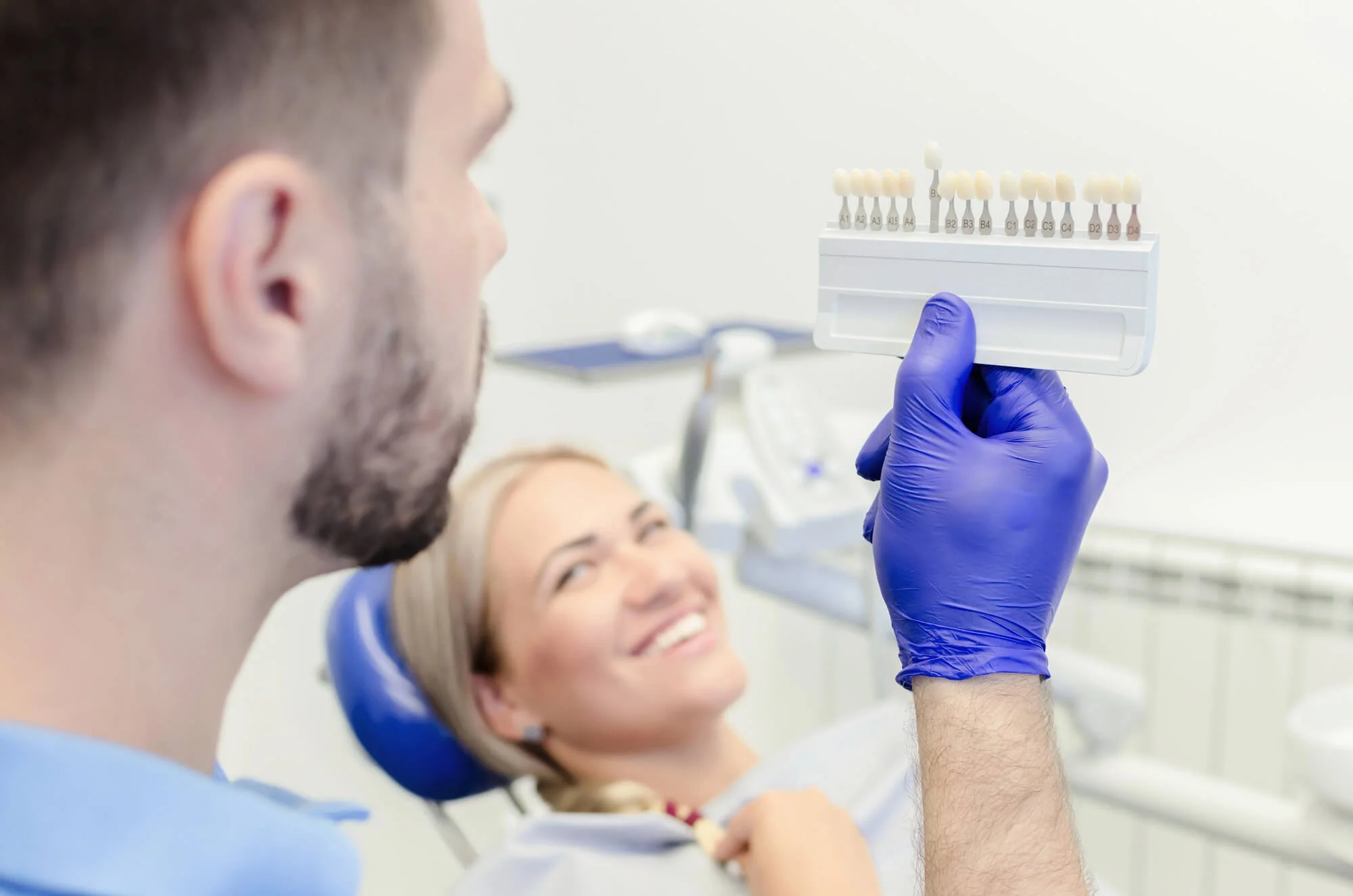
It’s hard to say yes to a new smile when you can’t picture it. That’s where a smile simulation in Westland, MI, comes in. It gives you a 3D preview of your future smile on a digital model of your own face before treatment begins.
A little prep helps you get the most out of it. Here’s what to know.
What Is a Smile Simulation?
Your dental team uses photos and scans to build a 3D version of your face. Software then adds your proposed new teeth, so you can see how they look with your lips, cheeks, and features.
Researchers note that this kind of digital smile design helps patients picture results and share feedback before treatment starts.
Common Myths About Smile Simulations
“It’s Just a Photo Filter”
A filter only changes a picture. A smile simulation uses real measurements of your face and mouth, and it becomes part of your treatment plan.
“It’s Only for Cosmetic Work”
Simulations also help plan bigger treatments, like full mouth reconstruction with implants.
“My Final Smile Will Match the Preview Exactly”
Think of the preview as a close guide, not a photocopy. Small differences can happen as your actual teeth are made and fitted.
How to Prepare for Your Appointment
Bring Photos
Old photos of your smile help your team recreate features you loved. Pictures of smiles you admire can show the look you want better than words. Screenshots on your phone work fine.
Not sure what you like? Browsing before and after photos can spark ideas.
Think About the Details
There are no wrong answers, but it helps to think about your preferences for:
- Tooth shade, from natural ivory to bright white
- Tooth shape, such as rounded or square
- How much of your teeth show when you smile
- Anything about your current smile you’d like to keep
Write Down Your Questions
Your appointment is a great time to ask things like how long treatment takes or what financing is available. Having answers ready helps you feel confident about each next step.
What Happens During the Visit
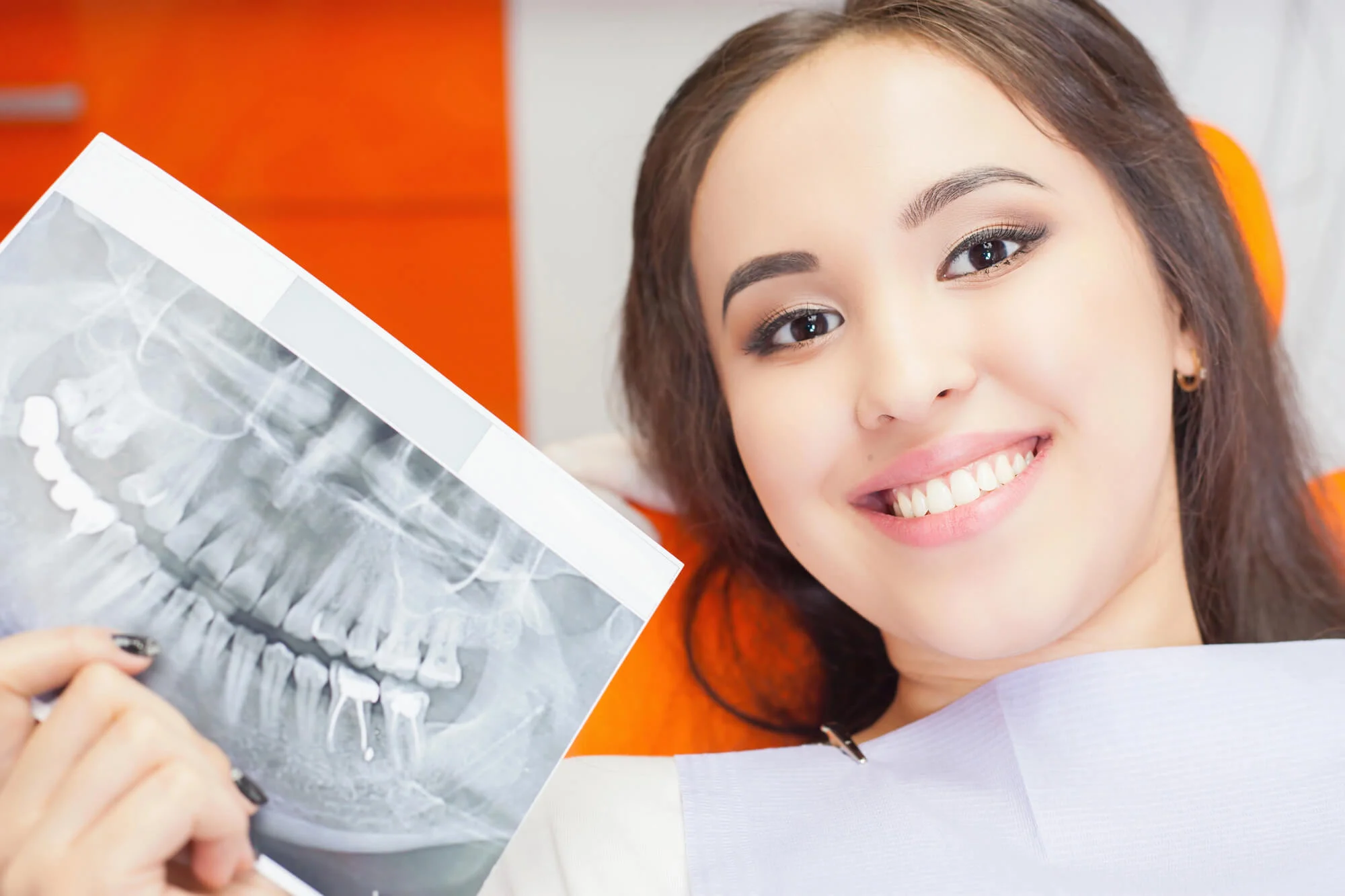
Your team will take photos, facial scans, and digital impressions, which are quick scans that replace goopy molds. You may also have a cone beam CT scan, a 3D X-ray of your teeth and bone.
Once the preview is ready, speak up if something feels off. Changes are part of the process.
Those same records feed into a digital workflow that guides planning, implant placement, and the design of your new teeth.
FAQs About Smile Simulation in Westland, MI
Does a smile simulation hurt?
No. It involves photos and scans, with no needles or drilling. Most people find it relaxed and even fun.
Can I ask for changes to my preview?
Yes. Your feedback helps shape the design, so share what you like and what you’d change.
Do I need a simulation before getting implants?
It isn’t always required, but it’s a valuable step. Seeing your smile ahead of time helps you make decisions with more confidence.

See Your Future Smile With a Smile Simulation in Westland, MI
At Smoler Smiles, our Smile Simulation Studio lets you see your new smile before any treatment begins. Whether you’re exploring SmolerXpress® full arch implants or just curious about your options, we’re happy to answer your questions.
Contact our team to schedule your smile preview or learn more.